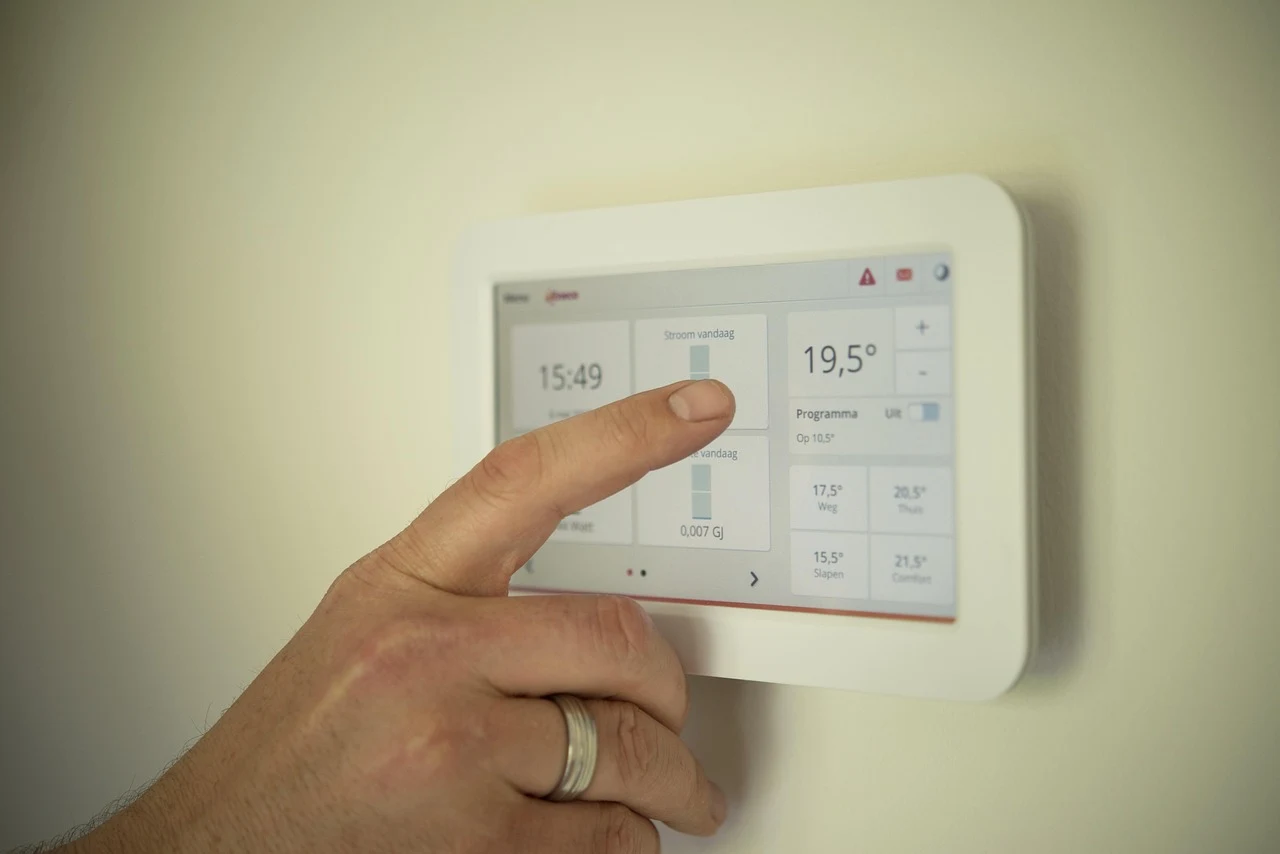
Learn how smart thermostats work in Canadian homes. Discover compatibility tips, installation advice, and winter heating strategies to boost energy efficiency.
Smart thermostats have quickly evolved from trendy gadgets into essential household tools, particularly for managing heating systems through cold Canadian winters. Upgrading to an intelligent climate control system allows homeowners to optimize energy consumption, reduce utility expenses, and maintain precise comfort levels year-round. However, getting the best performance out of smart heating technology requires understanding system compatibility, proper placement, setup configurations, and routine digital protection.
Understanding Heating System Compatibility in Canada
Before selecting a smart thermostat, evaluating your home’s existing heating infrastructure is vital. Canadian residences utilize a wide variety of heating methods, ranging from natural gas forced-air furnaces and cold-climate heat pumps to electric baseboard heaters and hydronic radiant systems. Not every thermostat supports every system out of the box.
- Low-Voltage Central Systems: Most natural gas furnaces and central heat pumps operate on 24-volt wiring. Smart thermostats generally require a dedicated C-wire (common wire) to deliver continuous power for Wi-Fi radios and digital displays.
- Electric Baseboard Heating: Electric baseboards rely on line-voltage systems (120V or 240V). Standard smart thermostats designed for central air will not work here. Homeowners with baseboard heaters must choose specialized line-voltage smart thermostats engineered specifically for high wattage.
- Dual-Fuel Configurations: Systems combining an electric heat pump with an auxiliary gas furnace require thermostats capable of managing alternate balance points. This ensures the system switches to gas heating seamlessly when ambient outdoor temperatures fall below the heat pump's optimal efficiency threshold.
Key Technological Features to Look For
Modern climate control hardware offers advanced computing capability designed to learn daily habits and adjust temperature profiles automatically. Selecting the right feature set depends on layout, household routines, and connectivity preferences.
Geofencing and Automated Away Modes
Geofencing technology uses your smartphone's location data to detect when family members leave or approach home. When the house is empty, the system drops the target temperature to conserve energy, raising it back to your preferred setting right before you walk through the front door.
Multi-Sensor Temperature Balancing
Central thermostats measure ambient conditions at a single point in the hallway or living room. Wireless remote sensors placed in bedrooms or home offices transmit temperature data back to the main unit, preventing cold spots in distant rooms during winter months.
Energy Reporting and Algorithmic Learning
Advanced units analyze outdoor weather forecasts, thermal retention rates of your dwelling, and heating runtime history. Over time, these algorithms determine precisely how early the heating system must start running to reach target comfort settings efficiently.
Step-by-Step Installation and Configuration Strategy
While installing a low-voltage smart thermostat is a common project for DIY enthusiasts, taking careful safety precautions ensures smooth operation and protects delicate circuitry.
- Power Down the System: Always turn off power to the furnace and heating system at the main breaker panel before removing existing hardware.
- Document Existing Wiring: Take a clear photo of the connected wires on your old thermostat baseplate before detaching anything. Pay close attention to terminal labels such as R, W, Y, G, and C rather than wire colors alone.
- Install the Mounting Plate: Secure the new backplate using built-in level markers. If a C-wire is missing, install the manufacturer-supplied power extender kit at the furnace control board.
- Attach and Initialize: Click the display module into place, restore electrical breaker power, and complete the initial setup wizard on the screen.
Integrating your new climate controller into a broader home ecosystem allows for convenient voice control and custom automation routines. Readers upgrading multiple domestic appliances can explore comprehensive smart home automation approaches to streamline device integration across the home.
Optimizing Winter Schedules for Canadian Climates
Achieving meaningful energy savings requires establishing realistic temperature schedules. Overly aggressive temperature drops can force furnaces to work unnecessarily hard during recovery periods, negating overall energy savings.
For optimal efficiency during peak winter months, set heating targets to 20°C (68°F) when occupants are awake and active. During sleep hours or extended trips away from home, lowering the setpoint to 17°C (62°F) reduces heat loss through outer walls while maintaining safe indoor temperatures that prevent plumbing pipes from freezing.
Securing Connected Heating Hardware
Because smart thermostats connect directly to local wireless networks, maintaining device security is essential for personal privacy and network integrity. Smart home hardware can occasionally become targets for external network scanning if left unconfigured.
- Use Strong Network Encryption: Connect smart devices to a Wi-Fi network secured with modern encryption protocols.
- Implement Guest Network Isolation: Place smart thermostats, cameras, and IoT sensors on an isolated guest Wi-Fi network to keep them separate from computers storing financial or personal records.
- Keep Firmware Updated: Enable automatic software updates within the thermostat's mobile app so critical security patches apply promptly.
For more detailed strategies on safeguarding connected hardware, review these essential home Wi-Fi security steps to protect every device on your network.
Routine Maintenance and Long-Term Efficiency
A smart thermostat relies on clear airflow and clean system filters to operate effectively. Replace furnace filters every one to three months during heating season, as restricted airflow increases heating times and skews thermal sensor readings. Check wireless sensor batteries annually, and clean dust from external sensor vents using a soft, dry cloth to preserve temperature accuracy over time.